



Host a Virtual Halloween Party: Audio,…

20 Minimalist Halloween Nail Ideas for…

Can Free Affinity Help You Build…

12 Lower-Sugar Halloween Treat Swaps Worth…

Can Hostinger AI Builder Launch a…

A 5-Step Screen-Free Autumn Reading Ritual…

Plug-In Solar Panels UK: Are They…

15 Last-Minute Zoom Halloween Costumes for…

Meta One Explained: Is the Subscription…

10 Low-Fuss Dog Halloween Ideas: Comfort…

Plaud One Explained: Can AI Earbuds…

9 Gothic Dinner Table Ideas for…

Namecheap vs Dynadot

7 UK Ghost Tours and How…

Convertkit Vs Beehiiv

Do You Really Need a £420…

Bluehost vs Siteground

15 Gentle Spooky Autumn Books to…

Namecheap review

How to Remove Halloween Face Paint…
Storage problems quietly become one of the most frustrating parts of content creation once projects begin expanding seriously. Video footage fills laptops unexpectedly fast, editing slows down, transfers become painfully repetitive, and backup folders turn chaotic surprisingly quickly. That pressure explains why external SSDs became essential tools for photographers, YouTubers, editors, podcasters, designers, and creators managing increasingly large digital workloads across multiple devices and locations.
Quick Overview
In this guide you will learn:
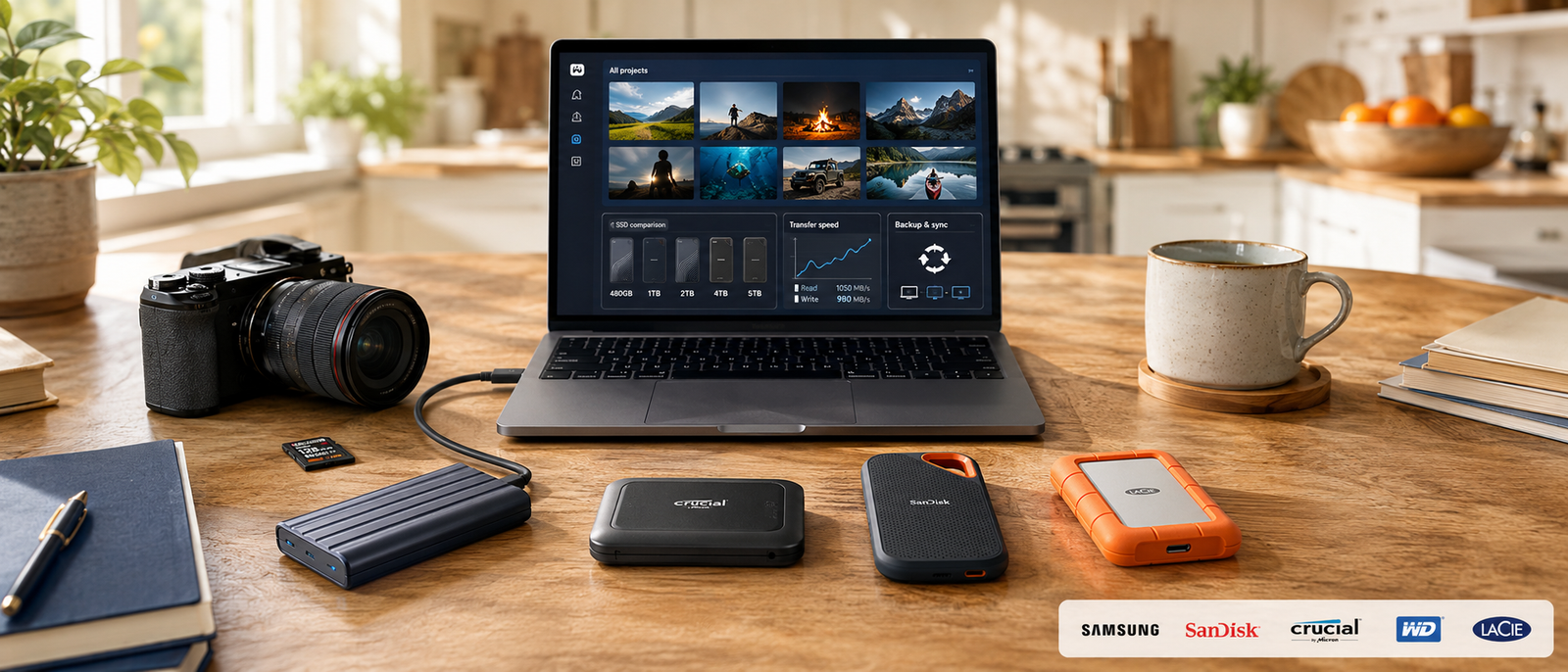
Portable storage setup supporting editing and content creation workflows.
Helpful next reads: Best tablets for bloggers and creators
Why External SSDs Became Essential For Creators
Creative Projects Consume Storage Rapidly
Modern creator workflows involve RAW photography, 4K footage, podcast archives, design assets, exports, thumbnails, and course recordings. Internal laptop storage disappears far faster than many people initially expect.
Slow Transfers Quietly Waste Time
Large media transfers interrupt editing, backups, exports, and collaboration constantly. Faster SSDs reduce those repetitive delays and make creative workflows feel noticeably smoother throughout the week.
Portable Workflows Matter More Today
Many creators now work across cafés, shared studios, hotels, meetings, and temporary setups. Portable SSDs help creative projects remain flexible without relying on heavier desktop storage systems.
Backup Security Reduces Stress
Many creators eventually realise huge portions of their business exist across fragile laptops, scattered folders, and inconsistent backups. Reliable external storage helps reduce that operational risk considerably.
Most Creators Underestimate Future Storage Needs
This mistake appears constantly. A creator buys a smaller SSD assuming 1TB will comfortably handle projects for years, then quickly discovers video exports, archived footage, backups, thumbnails, duplicate versions, and client files consume available space surprisingly fast. Slightly larger drives often reduce unnecessary file deletion, drive swapping, and backup confusion later. Better storage planning frequently improves creative workflows more than endlessly chasing the absolute fastest specifications available.
Explore more insights: iPad vs laptop for blogging
Best External SSDs For Creators
Samsung T9
The Samsung T9 suits creators handling demanding media projects regularly. It delivers strong portable performance for editing, backups, exports, and large file transfers without becoming painfully slow under heavier workloads.
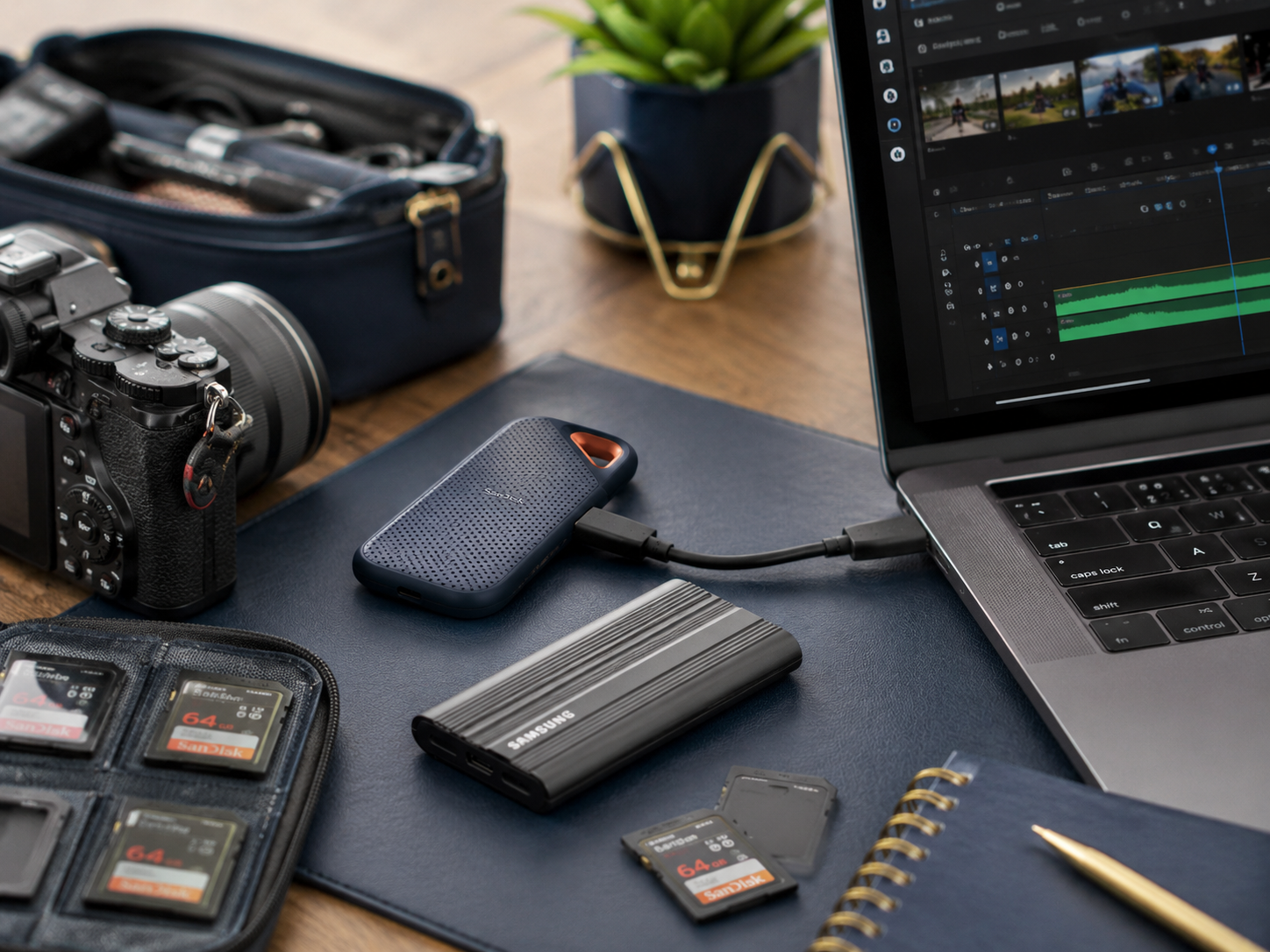
High-speed portable SSD supporting video editing and creator storage.
Crucial X10 Pro
The Crucial X10 Pro appeals strongly to mobile creators wanting portability, durability, and reliable performance without carrying bulky storage equipment constantly. The compact design especially suits travel-heavy workflows.
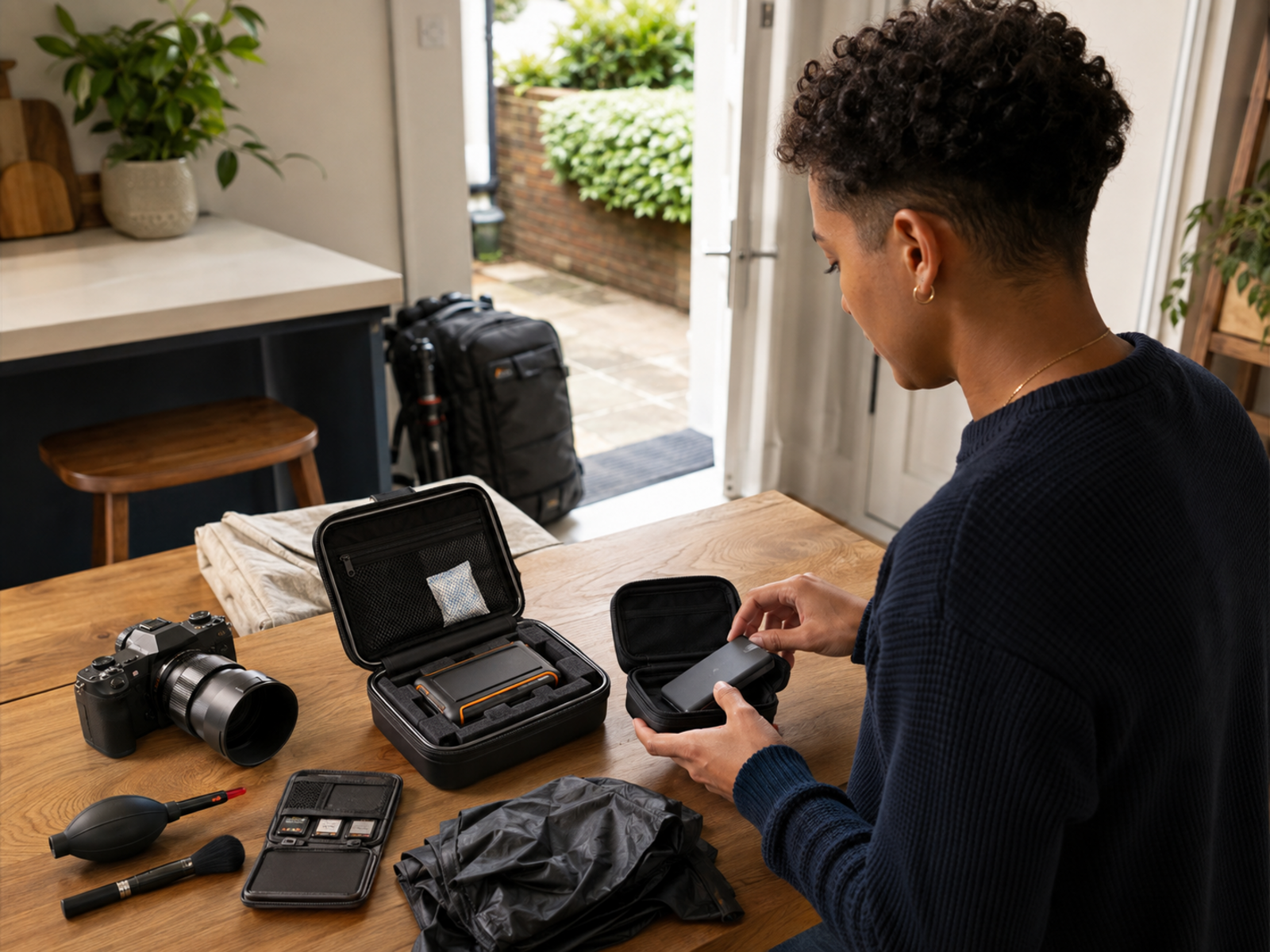
Portable SSD workflow supporting flexible creator backups and editing.
SanDisk Professional G-Drive SSD
The SanDisk Professional G-Drive SSD suits creators moving between locations frequently because rugged durability and dependable performance matter heavily once project files become business-critical.
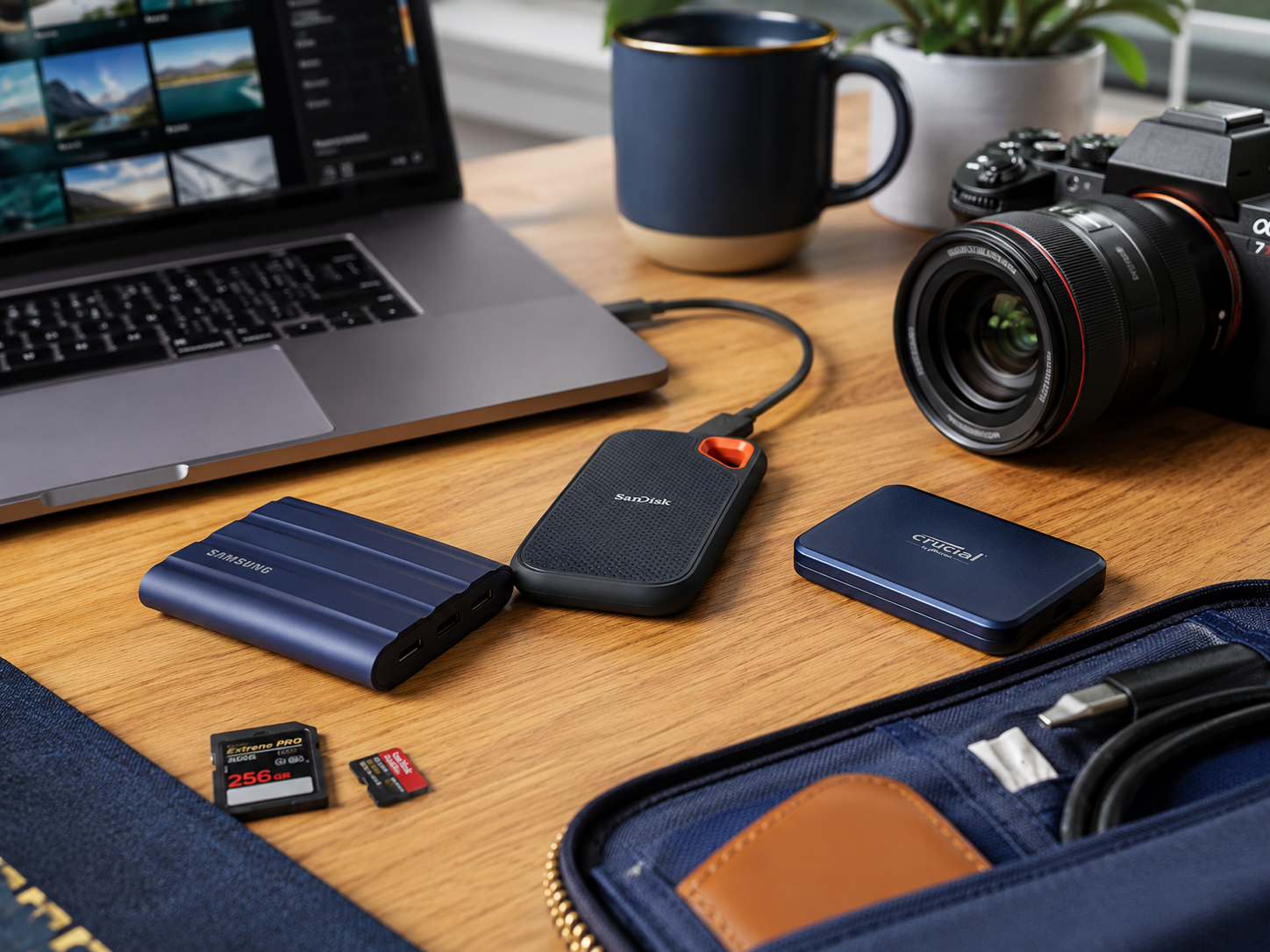
Rugged creator storage workflow supporting professional portable backups.
LaCie Rugged SSD Pro
The LaCie Rugged SSD Pro appeals to professional creators managing demanding editing environments where durability, speed, and travel protection all matter during larger production schedules.
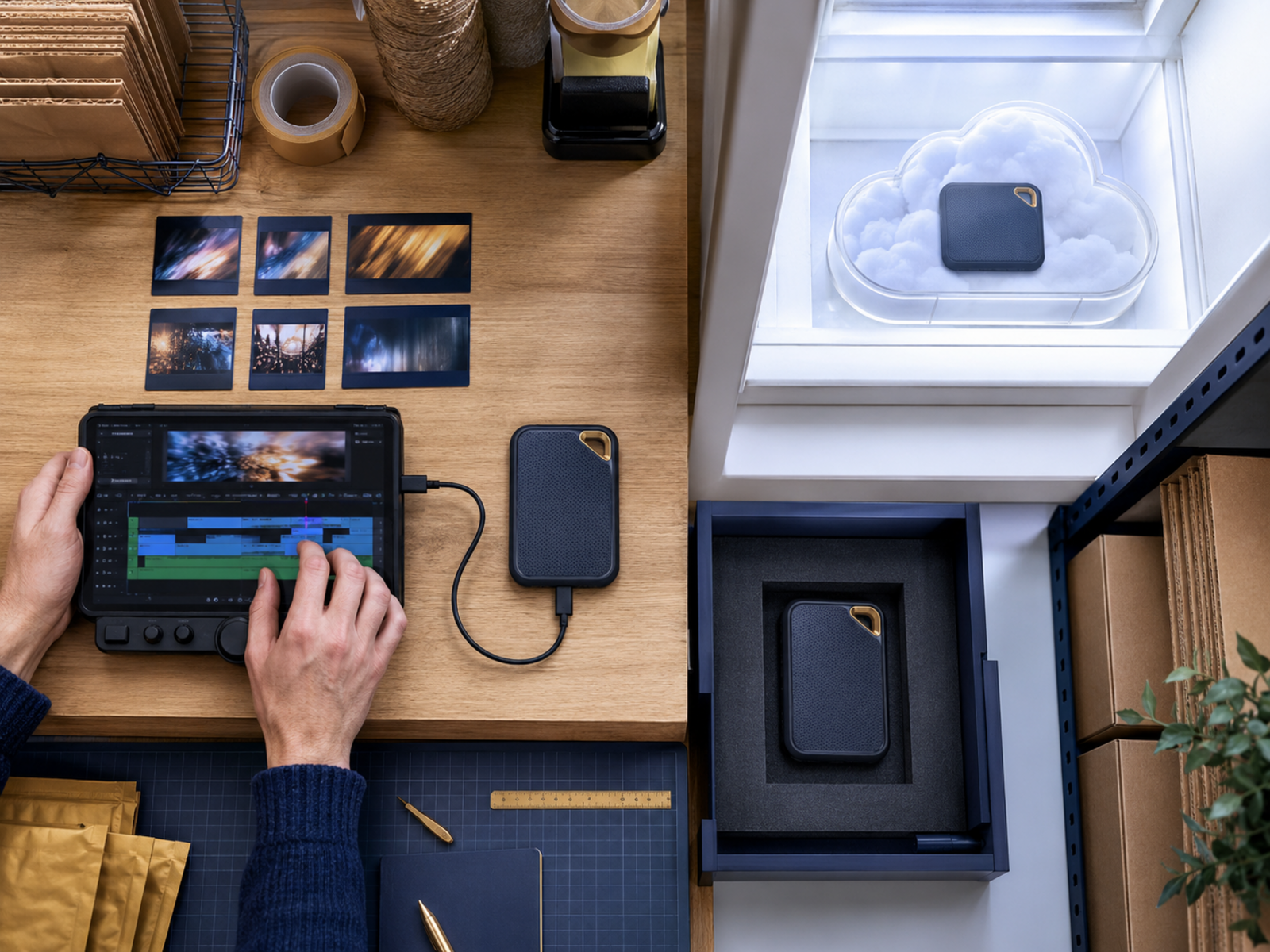
Professional editing storage setup supporting high-speed creator production.
Samsung T7 Shield
The Samsung T7 Shield remains attractive for creators wanting balanced portability, decent durability, and practical pricing without immediately moving into ultra-premium storage costs.
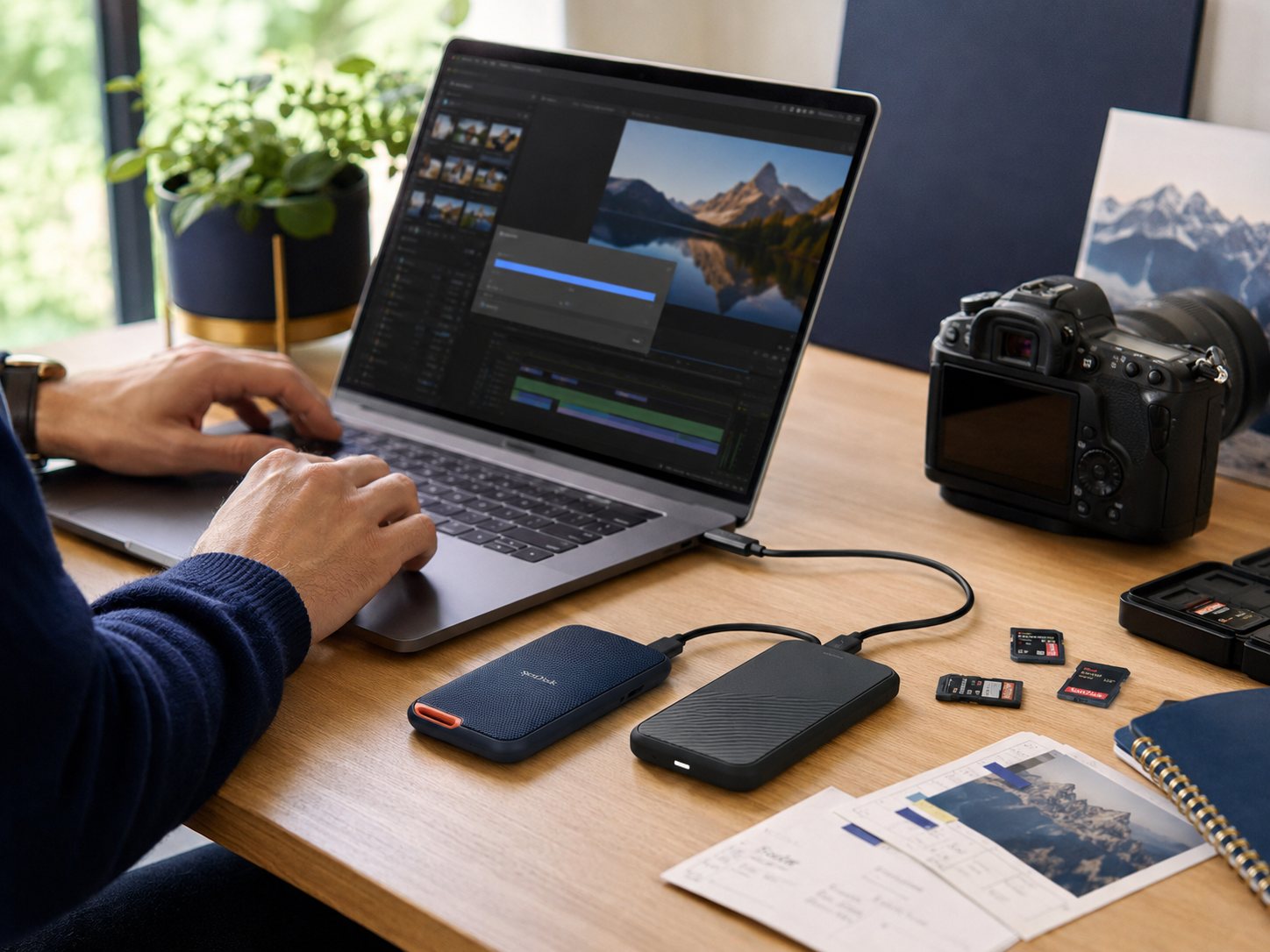
Durable portable SSD supporting creator backups and travel workflows.
OWC Express 1M2
The OWC Express 1M2 suits creators prioritising maximum transfer performance for large RAW files, advanced editing environments, and high-resolution video production where waiting on transfers becomes genuinely disruptive.
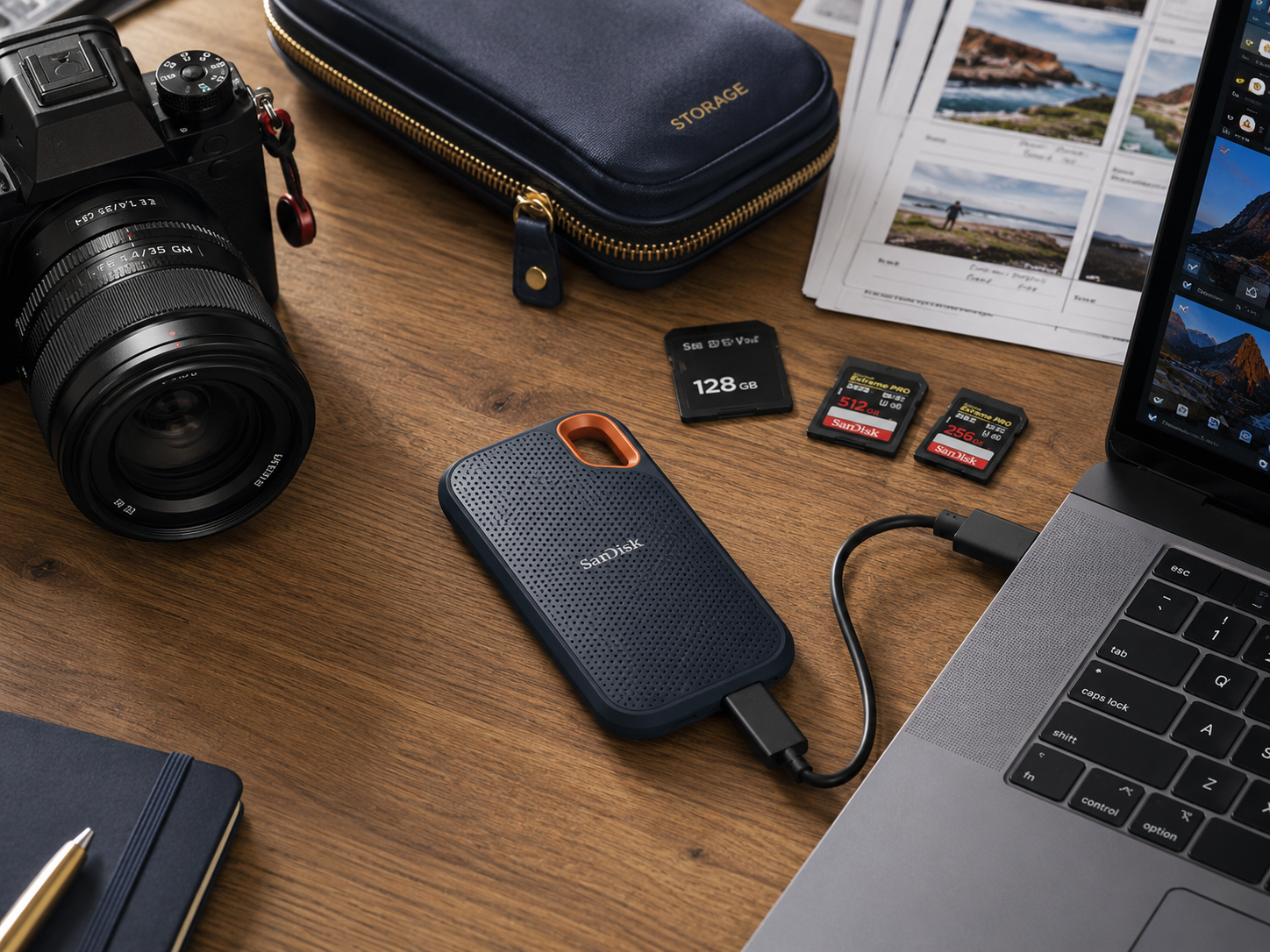
High-speed professional SSD supporting demanding editing workloads.
Which SSD Features Actually Matter Most?
Transfer Speeds Affect Workflow Comfort
Creators often underestimate how frustrating slow transfers become once exporting, backing up, and moving huge projects starts happening every working day.
Durability Matters During Travel
Portable drives face desk drops, backpack pressure, cable strain, shared workspaces, and constant movement. Rugged protection becomes increasingly valuable when the drive contains important business assets.
USB-C Compatibility Simplifies Setups
Modern creator environments frequently involve cameras, tablets, phones, laptops, hubs, and accessories. Cleaner USB-C workflows reduce cable confusion and setup interruptions considerably.
Organisation Usually Matters More Than Benchmarks
Best external SSDs for creators discussions become more useful once buyers focus on reliable backups, sustainable workflows, and cleaner organisation rather than endlessly chasing benchmark numbers alone.
Storage Problems Usually Start With Disorganisation
This surprises many creators initially. The deeper issue is often not insufficient storage itself but chaotic organisation. Random folder structures, unclear backups, scattered project files, duplicate exports, and inconsistent naming systems quietly increase stress later during editing and delivery. Cleaner storage habits reduce lost files, backup confusion, and operational clutter far more effectively than simply purchasing increasingly larger drives repeatedly.
Frequently read together: Best content creator kits for beginners
Which External SSD Fits Different Creators Best?
Video Editors
Samsung T9, LaCie Rugged SSD Pro, and OWC Express 1M2 suit creators handling large video projects where transfer performance and editing responsiveness matter heavily.
Travel Creators
SanDisk Professional G-Drive SSD, Samsung T7 Shield, and Crucial X10 Pro suit creators needing portability, durability, and dependable mobile backups across changing environments.
Budget-Conscious Creators
Samsung T7 Shield and Crucial X10 Pro often make sense for creators wanting reliable storage without immediately moving into extremely expensive professional setups.
Professional Production Teams
Best external SSDs for creators comparisons become clearer once buyers evaluate project size, travel frequency, backup habits, and whether faster transfers genuinely improve working efficiency.
Pros And Cons Of Popular Creator SSDs
Samsung T9 Pros
Samsung T9 Cons
Crucial X10 Pro Pros
Crucial X10 Pro Cons
Rugged SSD Pros
Rugged SSD Cons
High-Speed SSD Pros
High-Speed SSD Cons
FAQs
Which SSD suits creators best?
The best option depends on editing workload, portability needs, transfer expectations, and how heavily the creator relies on large media files daily.
Are SSDs better than external hard drives?
For portability and speed, usually yes. SSDs transfer files faster and handle movement more safely because they contain no moving mechanical parts.
How much storage do creators usually need?
Video editors and photographers often outgrow smaller drives quickly. Many creators eventually prefer at least 2TB for smoother workflows.
Why do creators prefer rugged SSDs?
Portable workflows increase the risk of drops, travel damage, and cable strain. Rugged drives provide stronger protection for important projects.
Does SSD speed really matter?
Yes. Faster drives noticeably reduce transfer delays, backup waiting, and editing friction once projects become larger and more demanding.
Final Verdict
The best external SSDs for creators improve far more than storage capacity alone. Strong storage workflows reduce transfer delays, simplify backups, improve organisation, and make creative work feel less operationally frustrating daily.
Still, the smartest drive is rarely the one chasing the highest benchmark score. A reliable SSD supporting cleaner organisation, practical durability, strong everyday performance, and sustainable workflows usually creates better long-term value than ultra-premium hardware that increases financial pressure without meaningfully improving daily production.


