



Host a Virtual Halloween Party: Audio,…

20 Minimalist Halloween Nail Ideas for…

Can Free Affinity Help You Build…

12 Lower-Sugar Halloween Treat Swaps Worth…

Can Hostinger AI Builder Launch a…

A 5-Step Screen-Free Autumn Reading Ritual…

Plug-In Solar Panels UK: Are They…

15 Last-Minute Zoom Halloween Costumes for…

Meta One Explained: Is the Subscription…

10 Low-Fuss Dog Halloween Ideas: Comfort…

Plaud One Explained: Can AI Earbuds…

9 Gothic Dinner Table Ideas for…

Namecheap vs Dynadot

7 UK Ghost Tours and How…

Convertkit Vs Beehiiv

Do You Really Need a £420…

Bluehost vs Siteground

15 Gentle Spooky Autumn Books to…

Namecheap review

How to Remove Halloween Face Paint…
An iPad can be brilliant for blogging, but not for every blogging job. Writing a draft in a café is not the same as formatting a WordPress post, checking SEO tools, compressing images, updating affiliate links and fixing a plugin issue while six tabs quietly multiply. The better question is not whether an iPad can replace a laptop. It is which parts of blogging you actually need the device to handle.
iPads are great for writing.
Laptops are better for full blog management.
iPads suit planning and light editing.
Laptops handle SEO tools more easily.
WordPress is usable on iPad.
File handling is easier on laptops.
Choose based on your workflow.
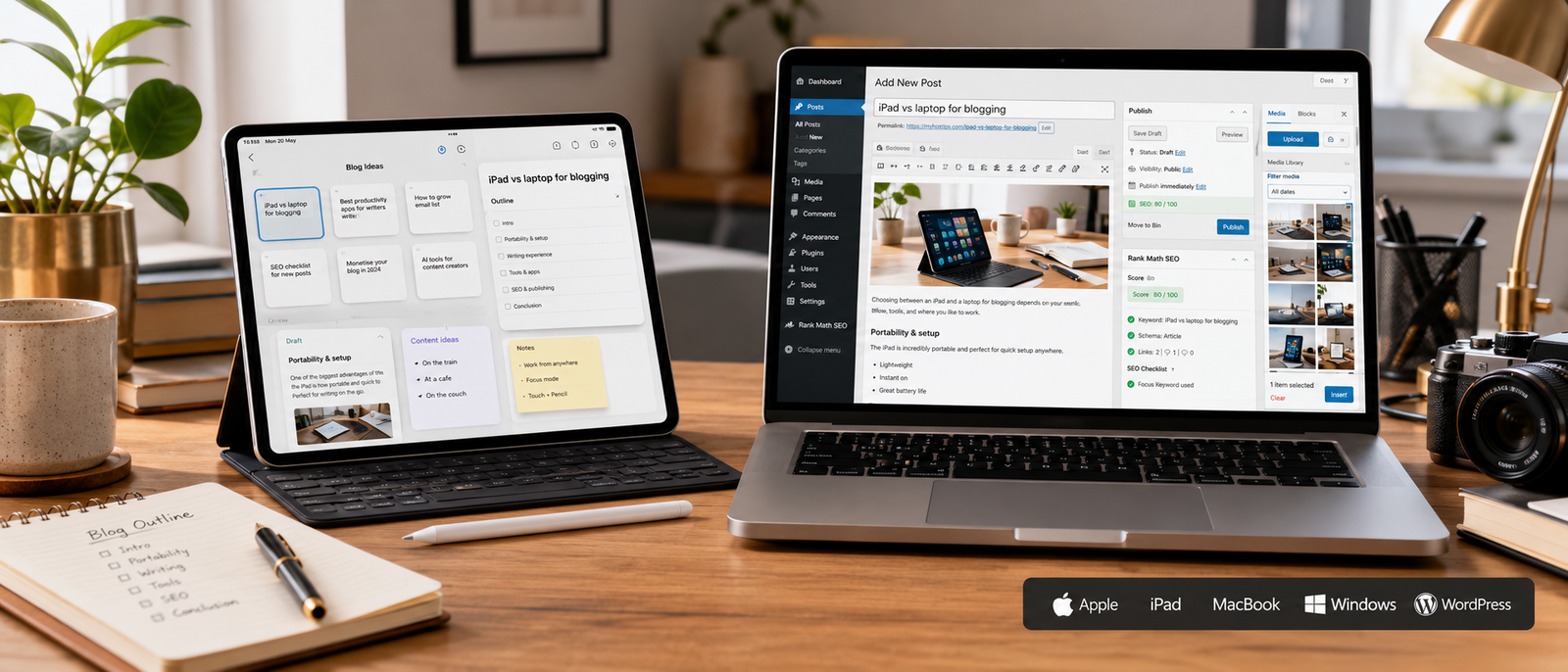
Key differences that matter
The real comparison
Most comparisons ask, “Can an iPad replace a laptop?” That sounds simple, but blogging is not one job. It includes writing, research, image handling, publishing, SEO, plugins, affiliate links, analytics and admin. An iPad can handle some of that very well. A laptop handles the whole messy system more comfortably.
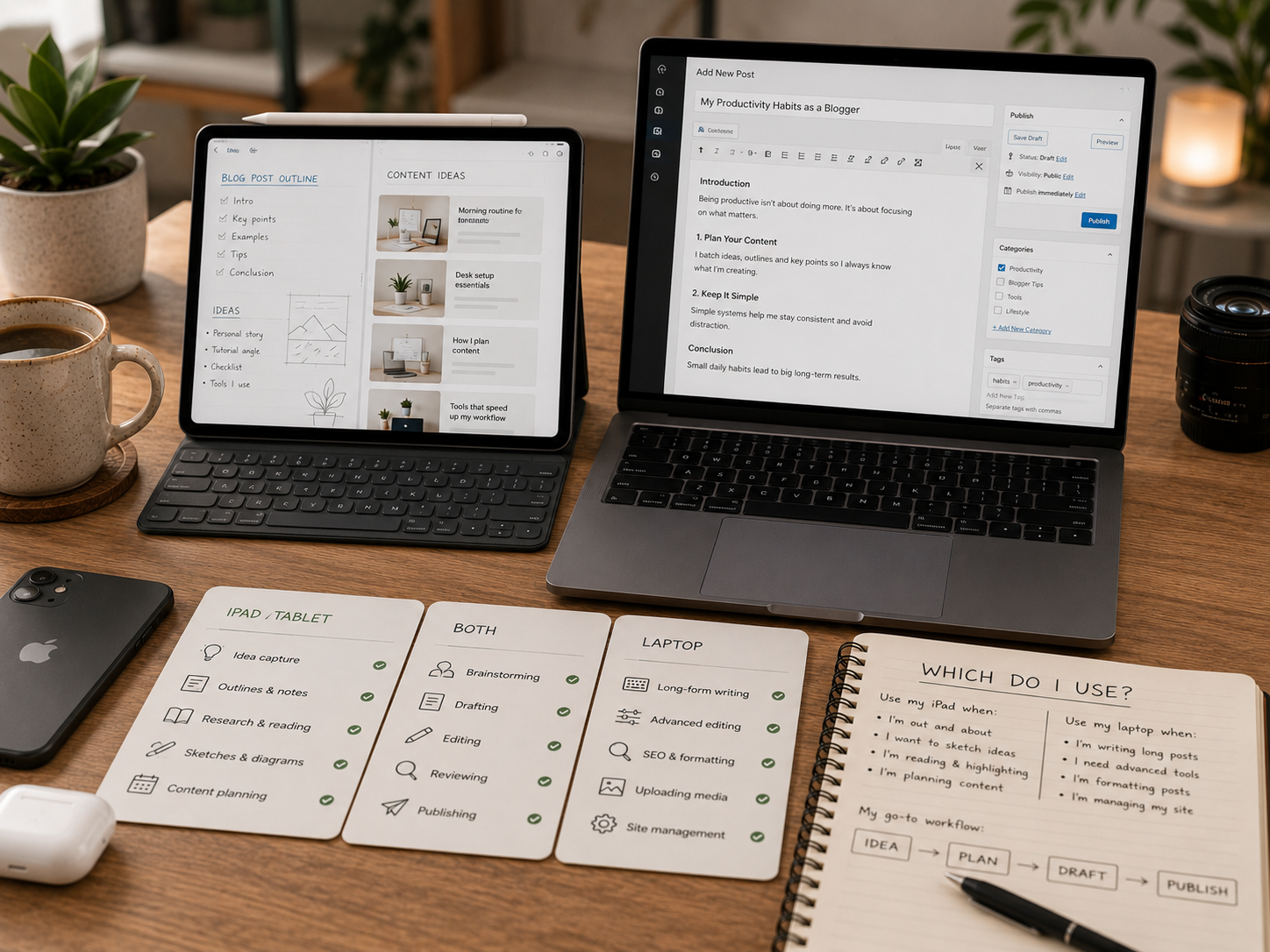
The device decision in plain English
Choose an iPad if blogging mainly means writing, planning, reading, marking up ideas and making light edits. Choose a laptop if blogging means managing WordPress, SEO tools, files, plugins, spreadsheets and dashboards. One feels lighter. The other handles the whole machine.
iPad vs laptop for blogging
Writing blog posts
An iPad is excellent for writing drafts, especially with a keyboard. It feels lighter, more portable and less “full work mode” than opening a laptop. That can help when you want to write in short sessions. A laptop is better for long editing days, multiple documents and heavier research while writing.
WordPress editing
The WordPress iOS app can create and edit posts and pages, upload photos and videos, view stats and reply to comments. That makes an iPad genuinely useful for lighter WordPress work. For formatting, plugin settings, custom layouts, bulk media tasks and deeper admin, a laptop is usually smoother.
SEO tools and research
SEO tools are where laptops pull ahead. Keyword research, competitor checks, SERP analysis, spreadsheets, browser extensions and multi-tab comparisons are much easier on a laptop. You can do some research on an iPad, but heavy SEO sessions often need a bigger browser workflow and less finger-based negotiation.
Image editing and file management
An iPad can be great for image review, light editing, marking up screenshots and working with visuals. Apple Pencil Pro support helps if you like annotating ideas. A laptop is better for bulk file handling, folder management, image compression, renaming batches and uploading media without feeling like the file system is testing your character.
Publishing control
A laptop gives more control when publishing posts properly. It is better for checking previews, managing links, editing metadata, uploading images, reviewing formatting and using browser-based blogging tools. An iPad can publish, but the laptop is usually calmer when the post has many moving parts.
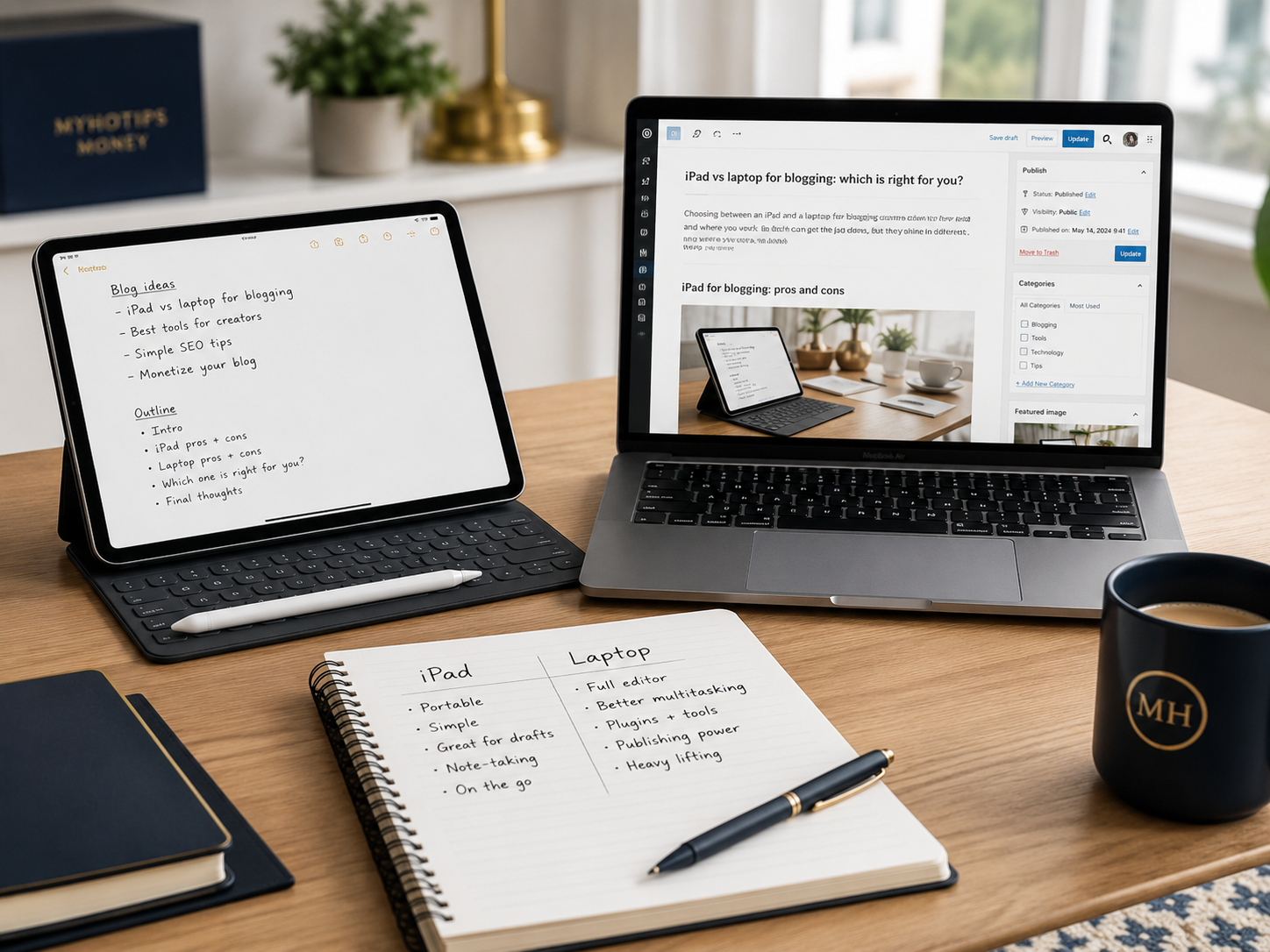
What this means in real life
An iPad makes blogging feel lighter. A laptop makes blogging easier to control. If your blog is still mostly writing and planning, the iPad can be enough. If your blog involves publishing workflows, SEO, media, plugins and monetisation tasks, a laptop will usually save more frustration.
Cost comparison
iPad costs
An iPad can look cheaper at first, but the real cost often includes a keyboard, Apple Pencil, storage upgrades and possibly cloud storage. If you are buying an iPad Air with Magic Keyboard for serious blogging, treat it as a proper work device budget, not just a casual tablet purchase.
Laptop costs
A laptop may cost more upfront, but it often includes the full blogging workflow in one device. You get keyboard, trackpad, file handling, desktop browser access and better multitasking without adding as many accessories. For bloggers who publish regularly, that completeness can be worth more than tablet elegance.
Accessory costs
Accessories matter. An iPad without a good keyboard is not ideal for regular blogging. A laptop may still need a stand, mouse, external monitor or portable drive. The cheapest setup is not always the lowest device price. It is the setup that lets you work without constantly buying fixes.
Long-term value
An iPad offers value if it helps you write more often, plan better and work portably. A laptop offers value if it helps you manage the whole blog with fewer restrictions. Choose based on repeated tasks, not the fantasy version where you write perfect posts under soft café lighting and never battle a plugin.
The cost rule
Do not compare the tablet price against the laptop price alone. Compare the complete working setup. An iPad with keyboard and pencil may be brilliant, but it can quickly become laptop-priced. A laptop may feel less exciting, but it often gives bloggers more control from day one.
Which should you choose?
Most Relevant Audience
This comparison is for beginner bloggers, creators, side hustlers, affiliate writers, newsletter owners and small business owners deciding whether an iPad is enough. It is especially useful if you want to write more portably but still need to manage publishing, SEO, images and admin without losing patience.
Choose iPad for writing and planning
Choose iPad if your main needs are writing drafts, reading research, planning posts, capturing ideas, reviewing images and making light WordPress edits. It is especially useful if you want a lighter device that encourages focused writing sessions away from your main desk.
Choose laptop for running the blog
Choose a laptop if blogging is becoming a business. SEO tools, WordPress admin, affiliate dashboards, spreadsheets, plugins, file management and full publishing control are easier on a laptop. If your blog earns money or is meant to, the laptop is usually the safer main device.
Choose iPad as a companion device
An iPad works extremely well as a companion device. Use it for drafting, planning, reading, reviewing images and sketching ideas. Then use the laptop for publishing, SEO, dashboards, plugins and admin. This split can make your workflow lighter without forcing the iPad to become something it is not.
Choose laptop if you only want one device
If you can only buy one device for blogging, choose a laptop unless your workflow is very light. It is more flexible, more compatible with blogging tools and better for problem-solving. An iPad is lovely for focused work. A laptop is better when the blog starts throwing small technical tantrums.
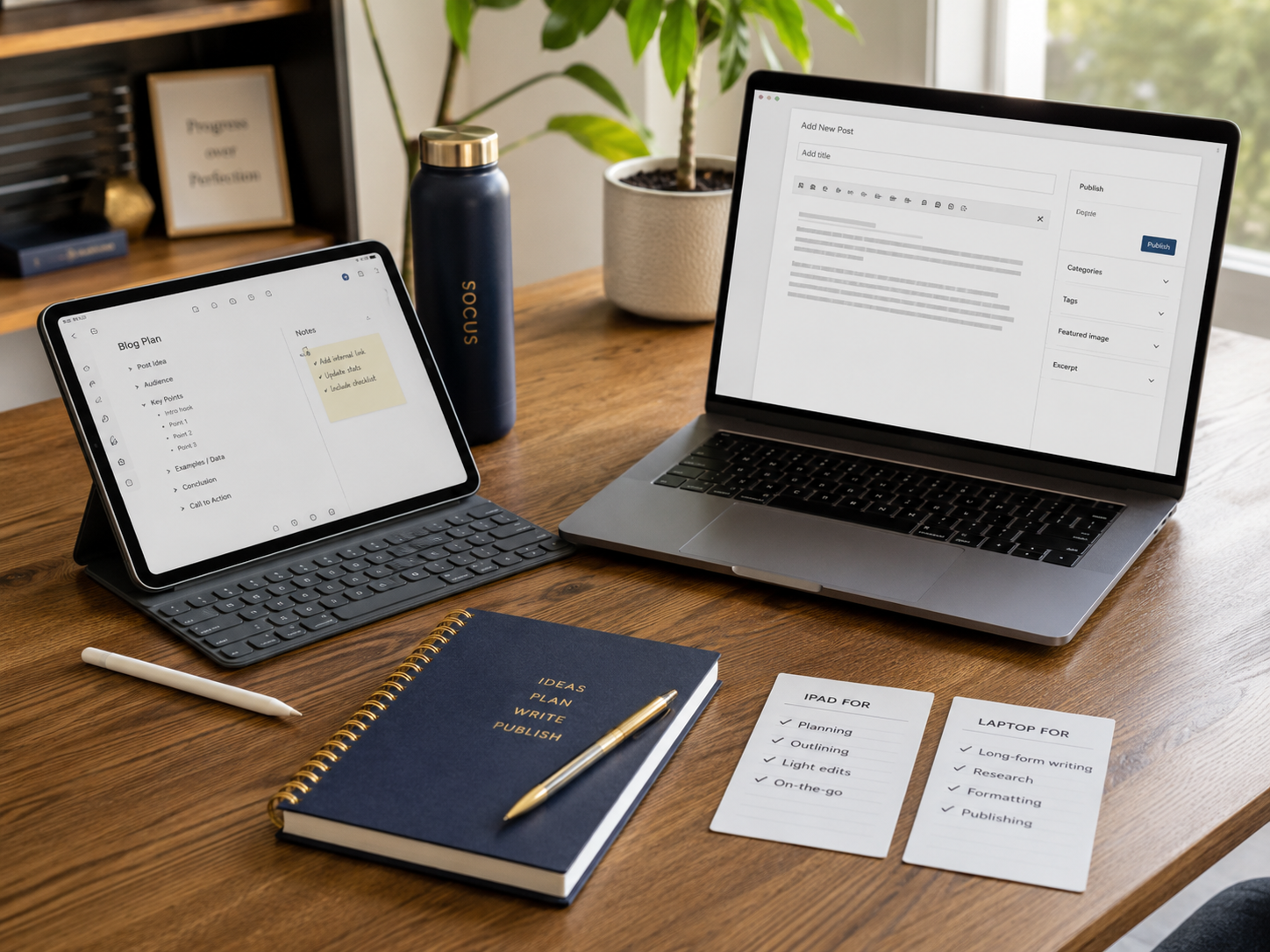
Related wellness note
A lighter device can help you leave the desk, but portable blogging should not turn every chair into an office. Digital Calm for Home Business Owners is the natural wellness follow-up: the right device should give you flexibility without letting work leak into every quiet corner of your day.
Pros and cons
Pros
iPads are great for focused writing.
iPads suit planning and reading.
Laptops handle full blog management.
Laptops are better for SEO tools.
iPads are lighter and more portable.
Laptops offer stronger file control.
Both can work well together.
Cons
iPads can struggle with heavy admin.
Laptops are less relaxed for casual writing.
iPad accessories increase total cost.
WordPress is easier on laptops.
SEO research is clunkier on iPad.
File management can frustrate iPad users.
One device may not fit every task.
The honest answer
An iPad is a brilliant blogging assistant. A laptop is usually the better blogging headquarters. If you can use both, split the work: iPad for lighter creative tasks, laptop for publishing and management. If you must choose one, pick the device that handles your hardest blogging task, not your nicest one.
Related guides to compare
Best Tablets for Bloggers and Creators is the natural next guide if you already know you want a tablet and need help choosing the right model. It can help you compare iPad, Samsung, Surface and Android tablet options based on writing, planning, creative work and portability.
Best Portable Monitors for Home Business is worth reading if your real issue is screen space rather than portability. A second screen can make research, editing, dashboards and spreadsheets easier without changing your main device. Sometimes the answer is not tablet versus laptop. It is more room to think.
Best Cloud Storage for Bloggers and Creators is useful because blogging across devices only works if your files are organised. Drafts, images, notes, screenshots, PDFs and media assets need to move smoothly. A tablet-laptop workflow becomes much easier when storage is not a daily treasure hunt.
FAQ
Can you start a blog on an iPad?
Yes, you can start a blog on an iPad, especially if you mostly write drafts, plan content, upload simple posts and make light edits. The WordPress iOS app can create and edit posts and pages, upload media, show stats and manage comments, so basic blogging is possible.
Is an iPad good enough for WordPress blogging?
An iPad is good enough for lighter WordPress blogging. It works for drafting, editing, uploading media, checking stats and replying to comments. A laptop is better for heavier admin, complex formatting, plugins, SEO tools, affiliate links, bulk image handling and longer publishing sessions.
Is a laptop better than an iPad for blogging?
A laptop is usually better if blogging is becoming a full workflow or business. It handles WordPress admin, SEO research, file management, spreadsheets, browser tools, dashboards and publishing tasks more comfortably. An iPad is better for portable writing, planning, reading and light editing.
Can you use SEO tools properly on an iPad?
You can use some SEO tools on an iPad, especially browser-based ones, but a laptop is usually better. SEO research often involves multiple tabs, spreadsheets, browser extensions, keyword tools and competitor checks. That workflow is much easier on a full desktop-style setup.
What is the best device for beginner bloggers?
For most beginner bloggers, a laptop is the safest main device because it handles the full blogging workflow. An iPad is excellent if the beginner mostly wants to write, plan and learn. The best setup is often laptop first, iPad later as a lighter writing companion.
Can an iPad replace a laptop for blogging?
An iPad can replace a laptop for some bloggers, especially if the work is mostly writing, planning, reading and light WordPress editing. It is less likely to replace a laptop if you need SEO tools, plugin management, affiliate dashboards, spreadsheets, file handling and full publishing control.
Final verdict
Choose iPad if your main needs are writing, reading, planning, idea capture, light WordPress edits, image review and portable content work. It can make blogging feel lighter and help you create away from the main desk without opening the full work machine.
Choose a laptop if blogging is becoming a business and you need proper SEO tools, WordPress admin, file management, affiliate dashboards, spreadsheets, plugins and full publishing control. An iPad is excellent for parts of blogging. A laptop is still better for running the whole blog.


