



Host a Virtual Halloween Party: Audio,…

20 Minimalist Halloween Nail Ideas for…

Can Free Affinity Help You Build…

12 Lower-Sugar Halloween Treat Swaps Worth…

Can Hostinger AI Builder Launch a…

A 5-Step Screen-Free Autumn Reading Ritual…

Plug-In Solar Panels UK: Are They…

15 Last-Minute Zoom Halloween Costumes for…

Meta One Explained: Is the Subscription…

10 Low-Fuss Dog Halloween Ideas: Comfort…

Plaud One Explained: Can AI Earbuds…

9 Gothic Dinner Table Ideas for…

Namecheap vs Dynadot

7 UK Ghost Tours and How…

Convertkit Vs Beehiiv

Do You Really Need a £420…

Bluehost vs Siteground

15 Gentle Spooky Autumn Books to…

Namecheap review

How to Remove Halloween Face Paint…
Hostinger has become one of the most widely recommended web hosting providers for beginners launching websites and blogs. Known for its affordable pricing and user‑friendly tools, the platform focuses on making website hosting accessible even for people with no technical background.
Over the years, Hostinger has expanded its hosting services to include shared hosting, WordPress hosting, cloud hosting, and VPS hosting. This range of services allows both beginners and growing businesses to host their websites using the same provider.
Because hosting plays a critical role in website performance, choosing the right provider can affect page speed, reliability, and overall user experience.
In this review we’ll explore how Hostinger works, its key features, who it’s best suited for, and where it may fall short compared with other hosting providers.
Quick Overview
In this guide we’ll explore the key aspects of Hostinger hosting.
What Is Hostinger?
Hostinger is a web hosting provider that offers a range of hosting services designed for websites, blogs, and online businesses.
The platform focuses on providing affordable hosting solutions while maintaining reliable performance and easy‑to‑use management tools.
Hostinger hosting plans are commonly used for:
Because of its low entry price and simple interface, Hostinger is often recommended for beginners starting their first website.
If you’re new to hosting in general: Web Hosting Explained
Hostinger Features
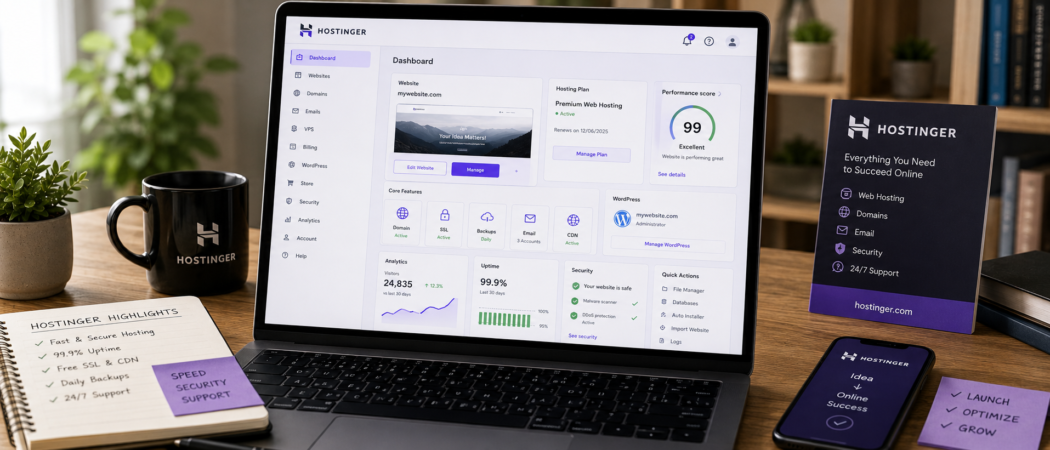
Hostinger includes several tools designed to simplify website hosting and management.
Custom Hosting Control Panel (hPanel)
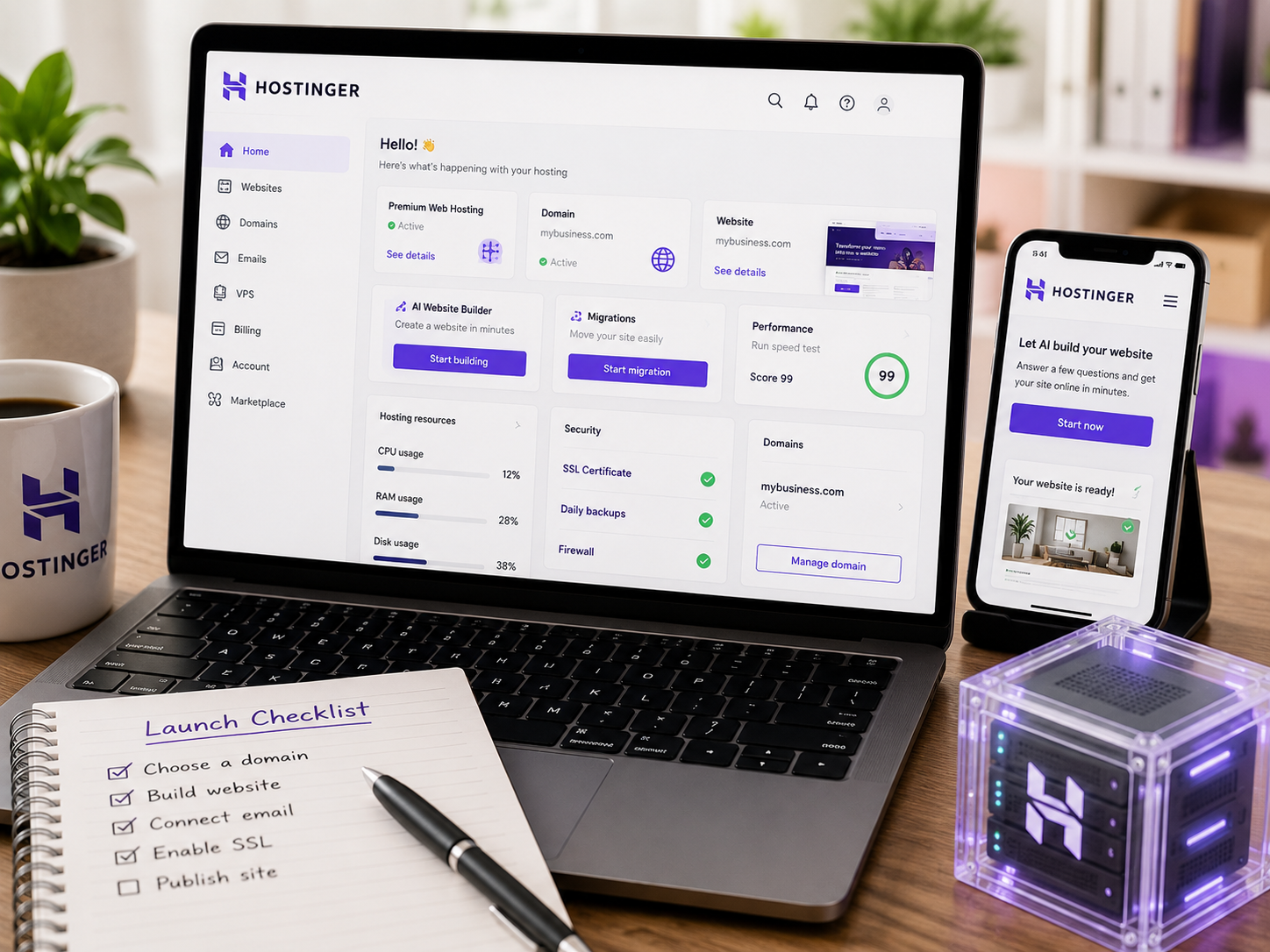
Hostinger uses its own control panel called hPanel instead of the traditional cPanel used by many hosting providers.
The dashboard allows users to manage:
The interface is designed to be simple and easy to navigate, even for beginners.
WordPress Optimization
Hostinger provides hosting environments optimized specifically for WordPress websites.
Features include:
These features help improve website performance and simplify WordPress management.
Website Builder
Hostinger also provides a website builder for users who want to create websites without coding.
The builder includes drag‑and‑drop tools that allow users to design pages visually.
This makes it easier for beginners to launch websites quickly.
Performance and Speed
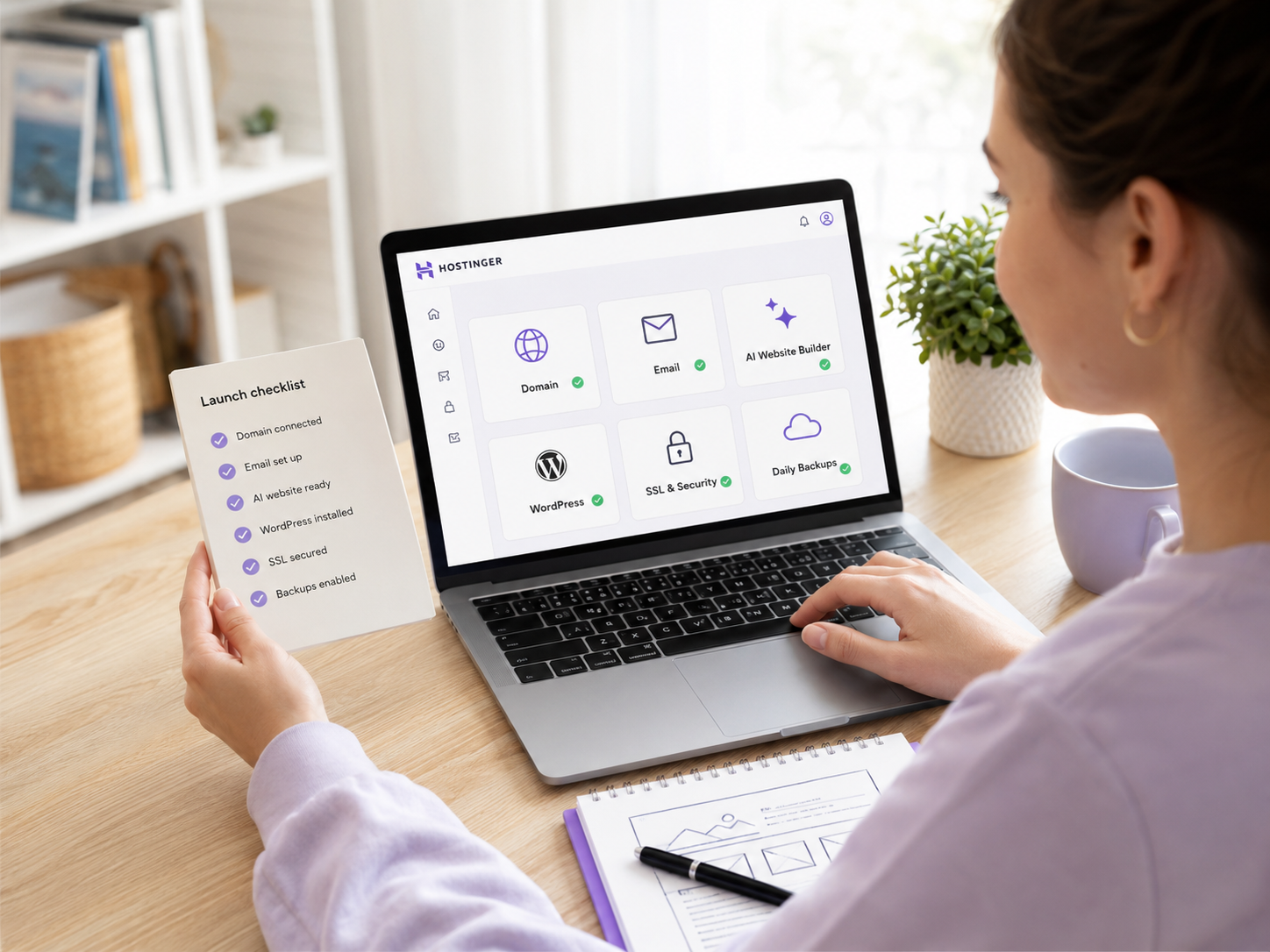
Website speed is an important factor for both user experience and SEO.
Hostinger includes several features designed to improve performance, such as:
These features help websites load faster for visitors.

Hosting Tools Snapshot
Pros and Cons of Hostinger
Advantages of Hostinger
Hostinger offers several benefits for website owners.
Advantages include:
These features make Hostinger particularly attractive for new website owners.
Where Hostinger Falls Short
Despite its advantages, Hostinger also has some limitations.
Limitations include:
For very large websites, premium hosting providers may provide stronger infrastructure.
Who Hostinger Is For (And Who It Isn’t)
Hostinger Is Best For
Hostinger works well for:
These users benefit from its affordable pricing and simple interface.
Hostinger May Not Be Ideal For
Some users may prefer alternative hosting providers.
Examples include:
These websites may require more advanced hosting environments.
Hostinger vs Other Hosting Providers
Hostinger is often compared with other popular hosting providers.
Hostinger vs Bluehost
Compared with Bluehost, Hostinger often provides lower entry‑level pricing.
Hostinger vs SiteGround
Compared with SiteGround, Hostinger focuses more heavily on affordability, while SiteGround emphasizes performance and customer support.
Helpful next read: Hostinger vs Bluehost
Free Resource: Blog Setup Checklist
🎁 Free Guide: Blog Setup Checklist
If you want to launch your blog and start building traffic, download the Blog Setup Checklist.
Inside the guide you'll learn how to:
Affiliate Tool Recommendation
Choosing the right hosting provider is an important step when launching a website.
Continue here: Best Managed WordPress Hosting
Final Verdict
Hostinger remains one of the most affordable and beginner‑friendly hosting providers available today.
Its simple control panel, optimized WordPress hosting, and low entry price make it particularly attractive for bloggers and small business websites.
While larger websites may eventually require more advanced hosting infrastructure, Hostinger provides a strong starting point for anyone launching their first website.
FAQs About Hostinger
Is Hostinger good for beginners?
Yes. Hostinger’s interface and affordable pricing make it beginner‑friendly.
Does Hostinger support WordPress?
Yes. Hostinger offers optimized WordPress hosting plans.
Is Hostinger fast?
Hostinger provides good performance for small and medium websites.
Can I host multiple websites on Hostinger?
Yes. Some hosting plans allow users to host multiple websites.


