



Plug-In Solar Panels UK: Are They…

Garmin CIRQA Review: Is Screen-Free Tracking…

Meta One Explained: Is the Subscription…

Garden Gatherings – Summer Is The…

Plaud One Explained: Can AI Earbuds…

Portable Outdoor Speakers for Garden Offices

Namecheap vs Dynadot

Outdoor WiFi Extenders For Garden Offices

Convertkit Vs Beehiiv

Portable Pools For Home Workers This…

Bluehost vs Siteground

Best Polarised Sunglasses

Namecheap review

Best Office Desks For Small Spaces

Cloudways Vs WP Engine

Cooling A Garden Office During Summer

Dropshipping Explained

Best Portable Power Stations For Garden…

Email Subject Lines That Improve Open…

Outdoor Laptop Screens And Anti-Glare
Lifesum puts a food diary, nutrient tracking and meal ideas on your phone. Its appeal is convenience: keeping food information together instead of juggling labels, notes and half-remembered meals. Premium adds tools including AI-assisted logging, but a quicker way to record lunch is only useful if the result is accurate enough and the routine feels manageable. Here is what to consider before adding another subscription.
Quick Overview
- Lifesum is a food-tracking and meal-planning app, not a personalised medical assessment.
- Food logging includes traditional search and barcode options; AI tracking requires Premium.
- Photo estimates can need ingredient and portion corrections.
- Meal ideas can support planning, but still need to fit your household and budget.
- Check the actual UK checkout for the price, billing period and renewal terms.
- Start with the simplest approach you can comfortably maintain.

What Lifesum Does With Your Food Diary
Keep Meals In One Place
Lifesum's traditional diary lets you search for foods, scan barcodes and review calorie and macronutrient totals. Recent foods and its Same as Yesterday option can reduce repetitive entry. These features are most practical when your breakfasts and lunches follow a familiar pattern.
The useful question is whether recording gives you information you can act on. Noticing that you repeatedly skip lunch might prompt you to prepare something the night before; collecting increasingly detailed totals without changing anything may simply add another task.

Check The Entry And The Portion
A food diary depends on the information entered. Lifesum distinguishes verified database entries with a blue badge, but you should still check that the product and quantity match what you ate. A serving in an app is not automatically the portion on your plate.
Use package information where available and correct obvious mismatches. You do not need to turn every meal into a measuring exercise: the aim is a workable record. If precision is important for a medical reason, agree the approach with an appropriate healthcare professional rather than relying on an app estimate.
Features That Could Fit An Ordinary Week
Faster Logging Is The Main Attraction
Lifesum's Premium AI tracking accepts photos, voice and text, alongside barcode input. It can make a mixed meal easier to start recording than searching for every ingredient separately. Traditional search remains available when that is the clearer option.
Treat the first result as a draft. Lifesum's help guidance says unclear photos, complicated meals and vague descriptions can affect accuracy. Review ingredients and portion estimates, particularly for sauces, oils and foods hidden underneath others. Speed is useful only if you can spot and correct the important errors.

Keep Habit Tracking In Perspective
Lifesum also promotes water and fruit-and-vegetable tracking. Having these reminders beside the food diary may suit someone who prefers one app to several disconnected tools. It does not mean every available tracker needs to become part of your day.
Choose a small number of useful observations and leave the rest alone. A water log records what you enter; it cannot explain why you feel tired or decide what your body needs in every situation. Persistent symptoms deserve appropriate advice, rather than repeated attempts to improve an app score.

Meal Planning Has To Work Outside The App
Pick Meals You Will Actually Make
Lifesum presents meal plans and recipe ideas as part of its offer. Before subscribing for these, check the selection available to your account and whether it suits your preferences. Attractive meal suggestions have limited value if they need unfamiliar ingredients or more cooking time than you have.
A practical shortlist might include a repeatable breakfast, two easy lunches and a few flexible evening meals. Consider cost, leftovers and the people sharing your kitchen. An app can organise ideas, but you still decide what is realistic for the week ahead.

Make Tomorrow's Lunch Easier
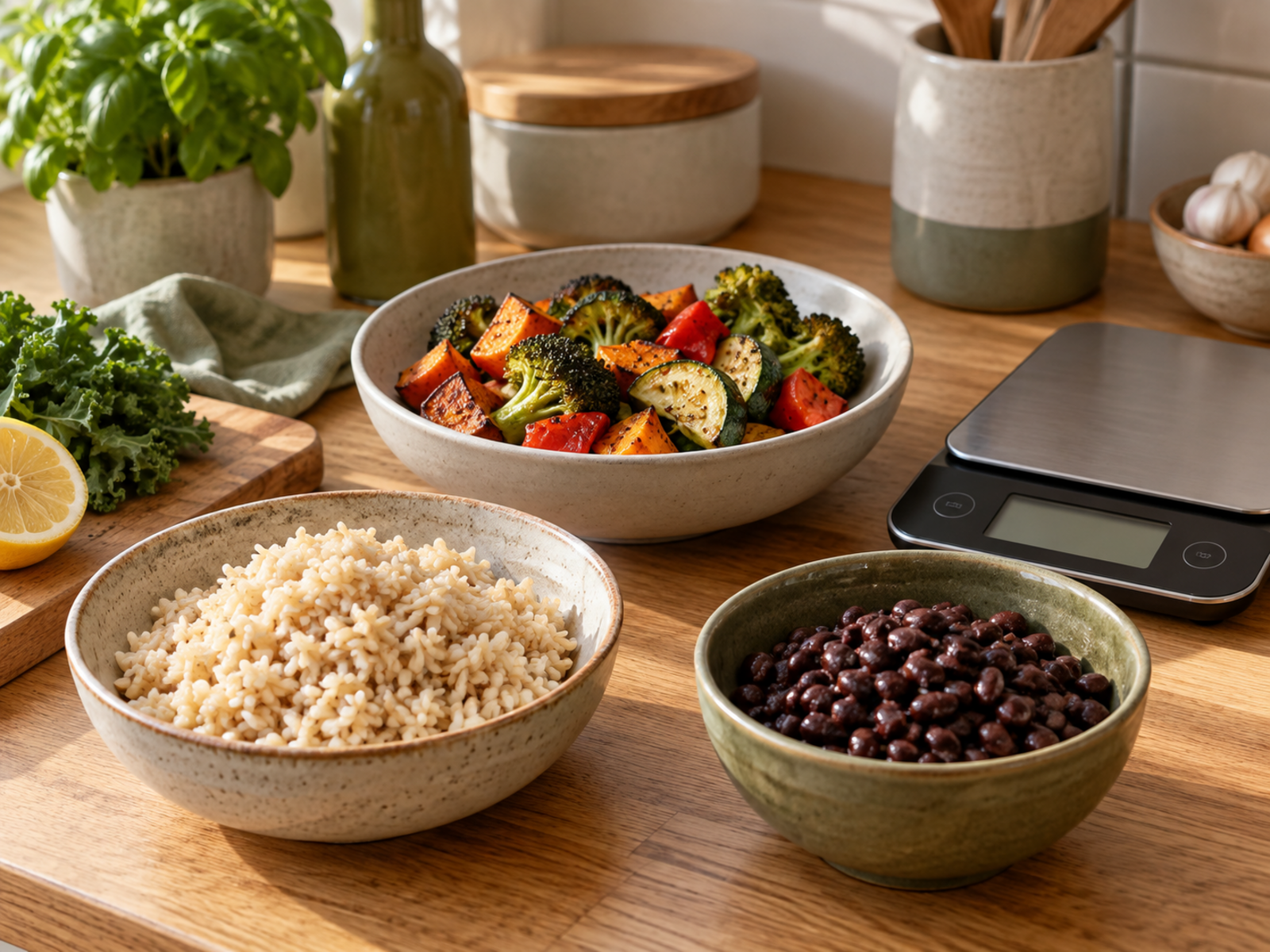
Meal preparation does not have to mean a fridge full of identical meals. Preparing one extra portion or keeping a few flexible ingredients ready can be enough to reduce lunchtime decisions. The useful link between planning and tracking is having a meal you can recognise and record without starting from scratch.
Start with routines already close to what you do. If you rarely cook in batches, an ambitious seven-day preparation plan may be less helpful than making enough dinner for tomorrow's lunch.

Who Might Find Lifesum Useful?
People Who Want A Clearer Routine
Lifesum may suit someone who likes a structured diary and wants to understand everyday food choices without managing several separate records. Familiar meals, a willingness to check entries and a clear reason for tracking make a better starting point than expecting the app to solve everything.
Try to define success in practical terms: fewer forgotten lunches, a manageable planning routine or less time entering meals. Those are things you can assess for yourself. The app's marketing should not be treated as a promise of improved energy, sleep or weight outcomes.

People Who Prefer Less Measurement
Detailed tracking is not the right fit for everyone. A simple meal diary or shopping list may provide enough structure without nutrient totals, reminders or subscription decisions. There is no need to use a more complicated tool just because it has more features.
If logging makes eating feel stressful or compulsive, step back and seek suitable support if needed. For dietary needs linked to a medical condition, allergies or treatment, use professional advice. The NHS Eatwell Guide provides general context for balanced eating; neither it nor an app replaces individual care.

Lifesum UK Price And Subscription Checks
Start With The Basic Experience
Try the features available without upgrading before deciding what is missing. Do not assume every convenience tool is included: Lifesum's help pages identify AI tracking and saved favourites as Premium features.
Check Your UK Checkout
A dependable current UK tariff could not be verified for this review. Check the GBP total and billing period shown to your account. An annual charge should be judged as an upfront commitment, not only its monthly equivalent.
Understand Renewal And Cancellation
Confirm any trial deadline and renewal terms before paying. Cancel through the provider that billed you. Lifesum explicitly warns that deleting your account or uninstalling the app does not cancel the subscription.
Lifesum Premium Or A Simple Meal Diary?
The closest decision is often whether you need an app subscription at all. Compare the work each approach removes before paying for extra features. This is a workflow comparison, not a claim that one method produces better health results.
Choose Premium For A Specific Tool
Premium is more compelling if a feature you have checked, such as AI-assisted logging, makes an existing routine easier. Test it with meals you actually eat and review how often the suggested entry needs correction. A convenient demonstration is not the same as a useful everyday tool.
- Identify the feature you expect to use regularly.
- Check it is included in your account's offer.
- Compare the full renewal cost with the time or effort it saves.
Choose A Simple Diary For Less Admin
A notebook or basic notes app can record meals, shopping ideas and observations without another paid service. It will not automatically calculate nutrients, but that may be unnecessary if your main goal is remembering lunch or planning a less rushed week.
- Keep the record short enough to maintain.
- Focus on decisions you can change.
- Add more detail only when it answers a useful question.
Lifesum Pros And Limitations
Pros
- Several ways to record food, including Premium AI input.
- A central place for food information and planning ideas.
- Repeated-meal tools can reduce routine entry work.
- Entries can be reviewed and corrected rather than accepted blindly.
Cons
- AI identification and portion estimates can be wrong.
- Premium adds an ongoing cost that needs checking locally.
- Tracking still requires attention and regular input.
- Detailed food monitoring will not suit every person or situation.
Related Tools For A Practical Lunch Routine
These are optional accessories: you can use Lifesum with containers you already own. Product suitability and current availability should be checked before buying.
Prep Naturals Meal Prep Containers
If batch-prepared lunches are part of your routine, compare the capacity, storage space and care instructions of the specific container set. Think about what you actually carry or refrigerate before buying a large collection. These are shopping considerations, not a hands-on product recommendation.
Joseph Joseph Food On The Go
For lunches away from home, check the particular item's size, compartments and suitability for your bag and meal. Do not assume every product in a range has the same features. A container that works with an ordinary lunch is more useful than equipment bought for a routine you rarely follow.
Lifesum Questions Answered
Is Lifesum's AI food tracking free?
Lifesum's current help guidance identifies AI tracking as a Premium feature. Check the offer displayed to your account rather than assuming that an advertised function is included in the basic app.
Can a photo tell exactly what is in a meal?
No. Ingredients, preparation methods and portions can be difficult to infer from an image. Check the suggested entry and make corrections where needed.
Does deleting Lifesum stop subscription payments?
No. Cancel through the billing provider used for the purchase. Lifesum says uninstalling the app or deleting the account does not cancel the subscription.
Is this a hands-on review?
This is a researched review of published product information and practical use cases. We have not independently tested the current app, measured its accuracy or verified a UK subscription checkout.
The MyHotips Verdict
Pay For A Useful Routine, Not A Promise
Lifesum is worth considering if you want a structured food diary and its logging options fit the way you eat. The strongest reason to pay is a particular tool that makes a routine you already value easier. Start simply, check the entries and judge the subscription against the actual UK offer available to you.
If a notebook and a realistic lunch plan already do the job, there is no need to upgrade. If tracking creates more pressure than clarity, a less detailed approach may be the better fit. Lifesum can help organise information; the important decisions remain yours.
Sources And Image Notes
Checked 19 September 2026 against Lifesum's official website and help articles on AI tracking, traditional food tracking and subscription cancellation, with general dietary context from the NHS Eatwell Guide. Images are AI-generated editorial illustrations; phone screens are conceptual, not authentic Lifesum screenshots. This article does not promise health or weight-loss outcomes.






