Eden Creator Store Explained: Can One…

Redbubble vs Printify: Which Print-on-Demand Platform…

Can Free Affinity Help You Build…

Can Hostinger AI Builder Launch a…

Plug-In Solar Panels UK: Are They…

Meta One Explained: Is the Subscription…

Plaud One Explained: UK Price, Plans…

Namecheap vs Dynadot

Kit (ConvertKit) vs beehiiv: Which Should…

Bluehost vs Siteground

Namecheap review

Cloudways Vs WP Engine
Most hosting reviews ask how fast the servers are. A more useful question is how much time, risk, and technical responsibility the host removes. Cheap hosting can be sensible for a new blog. The calculation changes when a website earns money, supports customers, or becomes expensive to repair whenever an update turns Tuesday afternoon into an unpaid IT shift.
Quick Overview
In this guide you will learn:
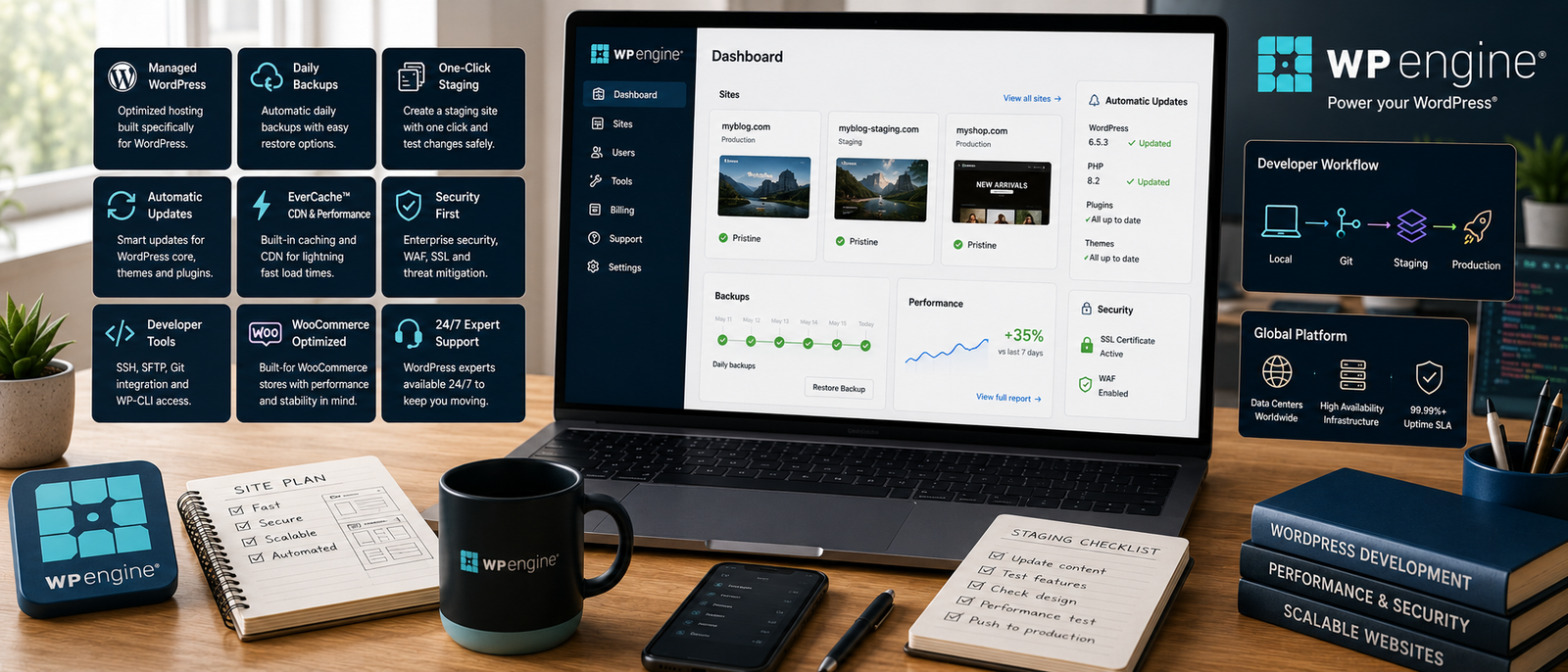
WP Engine becomes easier to justify when website problems cost more than the hosting.
Managed hosting guide: Best Managed WordPress Hosting
What WP Engine Actually Removes
Routine Hosting Maintenance
WP Engine manages much of the infrastructure behind a WordPress site. Caching, backups, platform security, staging, and specialist support are included. The value is not another control panel. It is reducing the technical jobs waiting before the actual workday begins.
Risky Live-Site Changes
Production, staging, and development environments let you test updates, redesigns, plugins, and code away from the live website. That matters when a failed change could interrupt sales, bookings, subscriptions, or client work.
Performance Configuration
Server-level caching and global content delivery reduce the need to assemble the full performance stack yourself. You still need sensible themes, compressed images, and disciplined plugin choices, but the site starts from a stronger technical foundation.
Developer And Agency Work
Git workflows, SSH, WP-CLI, transferable sites, permissions, and multiple environments support teams managing several websites. These features are excessive for a hobby blog but valuable when developers need repeatable processes rather than hopeful clicks on the live site.
WP Engine Pricing
WP Engine costs more than entry-level shared hosting because it bundles managed infrastructure, backups, SSL, CDN delivery, staging, caching, security monitoring, and specialist support. Lower tiers suit one important website, while higher plans increase site allowances and capacity. A new blog may be better served by cheaper hosting; a revenue-producing site may find the premium easier to defend.
New-blog planning guide: Blog Setup Checklist
WP Engine Performance And Speed
EverCache Technology
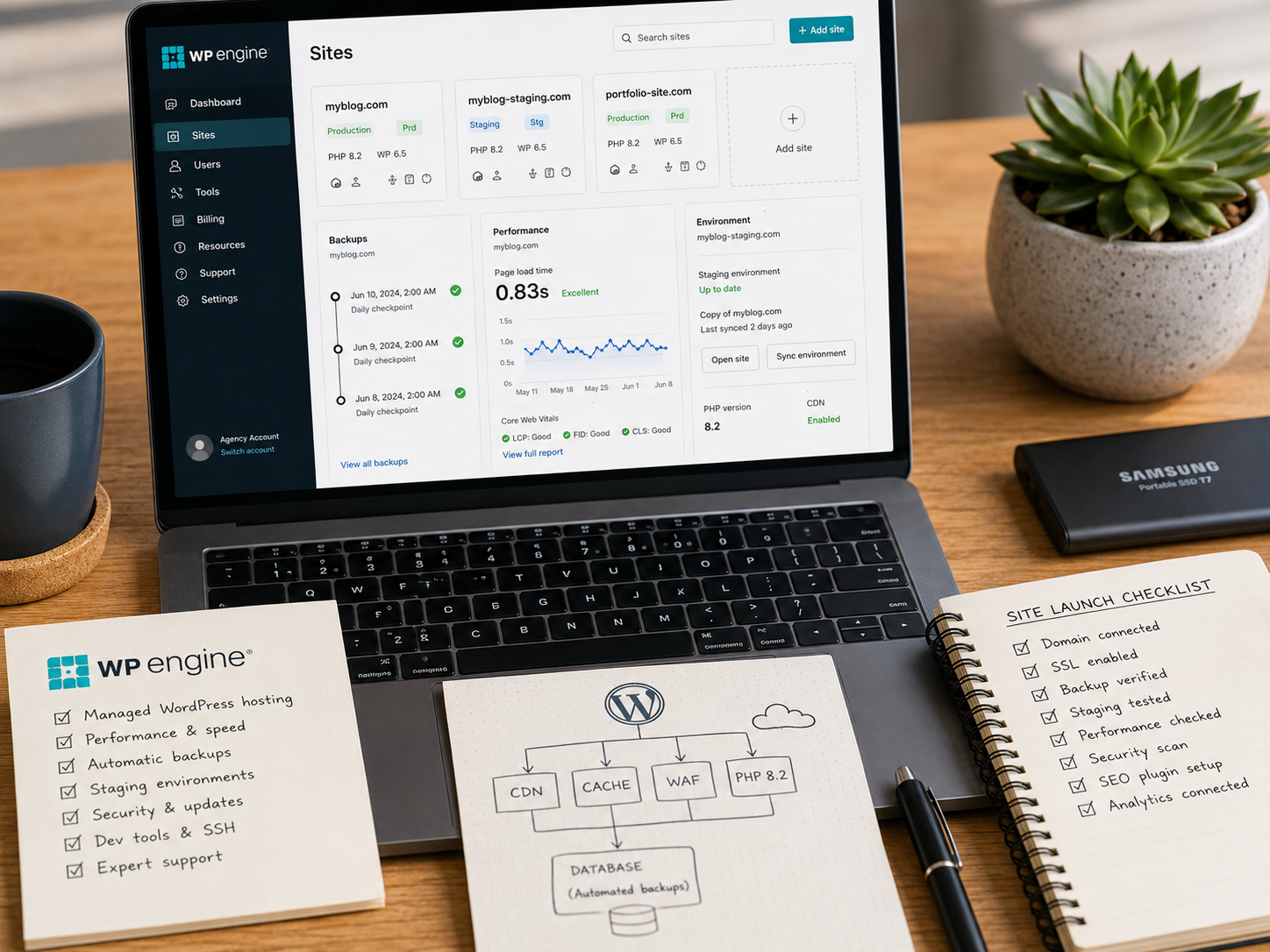
EverCache is WP Engine’s server-level caching system. It reduces the work required to serve frequently requested WordPress pages and helps the site respond more consistently during busy periods.

Global CDN
The included content delivery network serves static assets from locations closer to visitors. This can reduce delays for international audiences and improve delivery of images, scripts, and stylesheets.
Traffic Surges
Managed infrastructure is useful when campaigns, launches, press coverage, or seasonal demand cause sudden traffic changes. Capacity is not unlimited, but the environment is designed for more predictable WordPress performance than bargain hosting usually provides.

What Hosting Cannot Repair
WP Engine cannot rescue oversized images, poor themes, excessive scripts, or unruly plugins. Better hosting removes some bottlenecks. It does not excuse poor website housekeeping.
WP Engine Customer Support
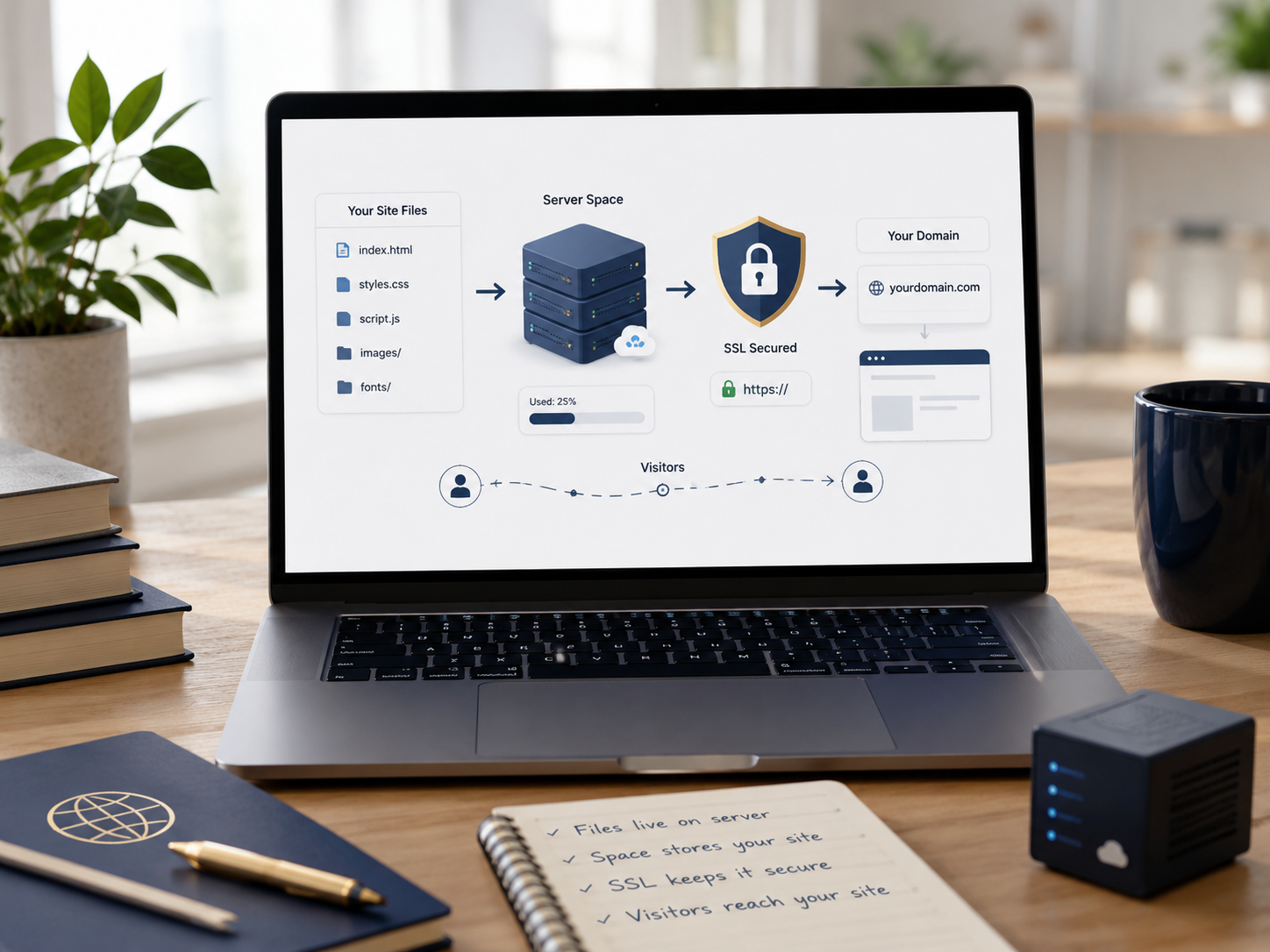
WP Engine provides round-the-clock support focused on WordPress hosting. That matters when a problem involves caching, redirects, environments, migrations, or platform behaviour. Support will not rebuild custom code, but it can shorten diagnosis and reduce guesswork. Its value rises when downtime interrupts sales, enquiries, publishing, or client work.
WP Engine Security And Backups
Daily And Manual Backups
Automatic daily backups create routine recovery points, while manual backups can be made before updates or major changes. The important benefit is being able to restore a usable version quickly when the website is already creating enough drama.

SSL And Security Monitoring
SSL certificates, platform monitoring, firewall rules, threat detection, and managed protections reduce the security work left to the customer. WP Engine also scans for risky plugins and known vulnerabilities.
Plugin Updates
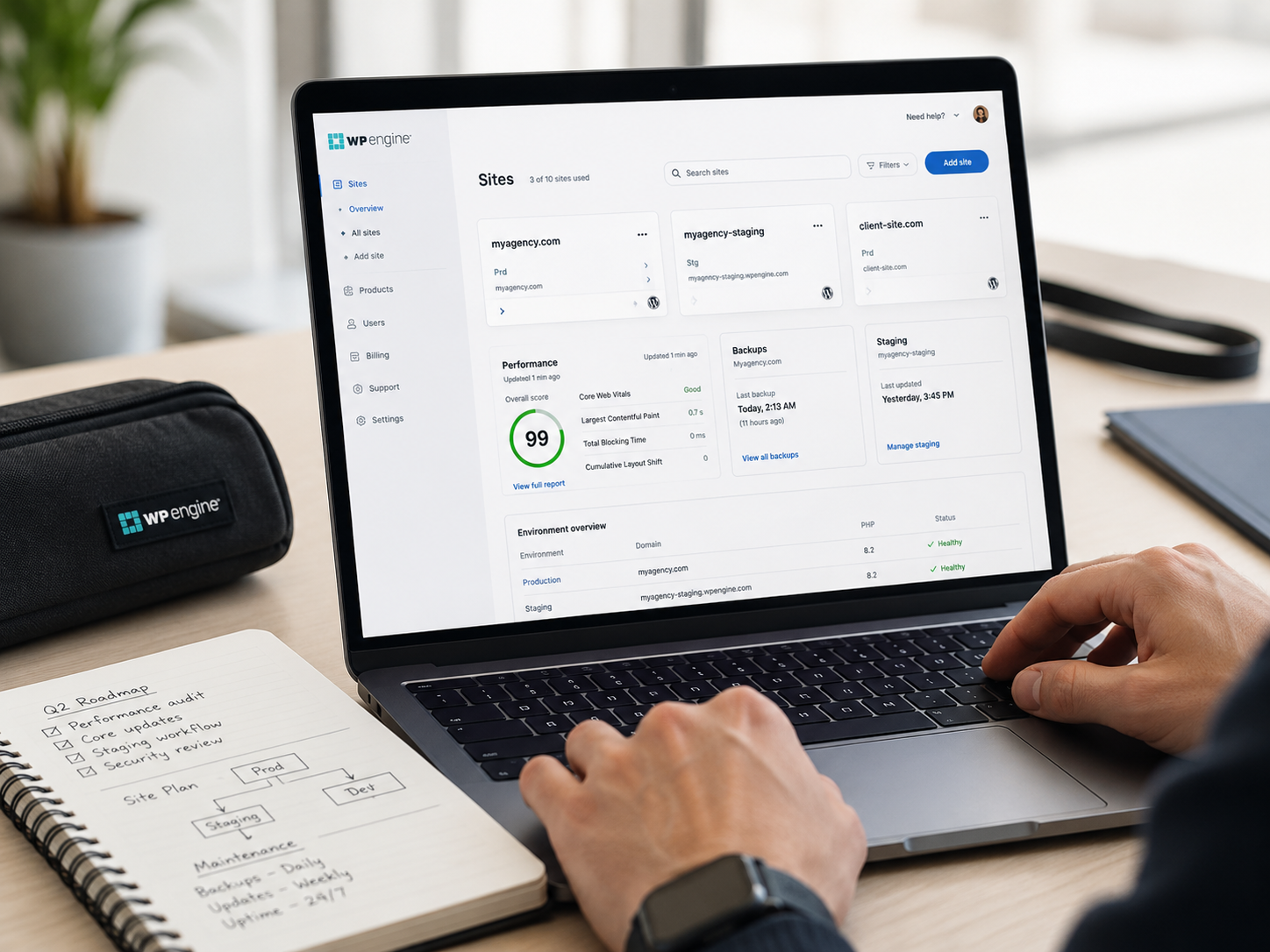
Automated plugin and theme updates are available through an additional service that can test visual changes and roll back failed updates. Important forms, checkouts, and membership functions should still be checked after changes.
Security Still Needs Good Habits
Managed security lowers risk rather than removing it. Strong passwords, sensible permissions, careful plugin choices, and a recovery plan still matter. A reassuring dashboard cannot compensate for an abandoned admin account called “admin”.
WP Engine For Small Businesses
WP Engine suits small businesses when the website supports revenue, leads, bookings, memberships, or customer service. The premium is harder to justify for a simple brochure site. It becomes more reasonable when slow pages, failed updates, or downtime cost more than the difference between managed and budget hosting.
WooCommerce, Migration And Developer Tools
WooCommerce Hosting
WP Engine offers WooCommerce-focused hosting for stores needing managed performance, backups, security, staging, and specialist support. Store owners should compare plan allowances carefully because products, plugins, orders, and traffic can raise resource demands quickly.
Website Migration
A free automated migration option can move a standard WordPress site. Complex ecommerce, membership, multilingual, or heavily customised sites may still need planning, testing, and professional help.

Agency Management
Agencies can manage multiple websites and environments from one portal. Transferable sites, access controls, staging copies, and repeatable deployments reduce the administrative work involved in client projects.
Developer Access
Git, SSH, WP-CLI, APIs, and local development options give technical teams control without requiring them to maintain the underlying hosting stack.
WP Engine vs Kinsta
WP Engine and Kinsta both provide premium managed WordPress hosting with backups, staging, caching, CDN delivery, security tools, and specialist support. WP Engine leans towards a broader WordPress ecosystem and agency workflows. Kinsta is known for a polished management experience. Compare site allowances, traffic limits, support preferences, and development workflow rather than choosing from one dramatic speed claim.
Full comparison: Kinsta vs WP Engine
WP Engine Alternatives
Kinsta
Kinsta is the closest premium alternative for businesses wanting managed WordPress hosting, backups, staging, CDN delivery, security tools, and specialist support. Its streamlined dashboard is a major part of the appeal.
Read the full review: Kinsta Review
Liquid Web
Liquid Web deserves consideration when you need broader managed hosting choices, more complex infrastructure, or room to expand beyond one standard WordPress setup.
Compare the provider: Liquid Web Review
Lower-Cost WordPress Hosting
A smaller blog may receive better value from a reputable mainstream WordPress host. Losing some specialist workflows can be sensible while traffic, revenue, and technical complexity remain low.
Webflow
Webflow is not a direct hosting substitute. It suits teams preferring visual site building and managed infrastructure without maintaining WordPress themes and plugins.
Platform comparison: Webflow vs WordPress
Is WP Engine Worth It?
WP Engine is worth considering when the website earns money, receives meaningful traffic, supports customers, or needs dependable testing workflows. It is less compelling for a new blog with little traffic. Its strongest case is the combined value of performance infrastructure, recoverable backups, managed security, specialist support, and reduced technical responsibility.
WP Engine Pros And Cons
Pros
Cons
The Value Of Removing Admin Work
Fewer Routine Tasks
Managed backups, caching, security monitoring, staging, and specialist support reduce technical jobs competing with publishing, customers, and marketing.
Fewer Technical Emergencies
No host prevents every problem. WP Engine becomes valuable when it shortens diagnosis, provides a clean restore point, or gives a developer somewhere safe to test a fix.
Protect your working day: How To Stop Admin Work Eating Your Whole Day
FAQs
What is WP Engine and how does it work?
WP Engine is managed WordPress hosting. It combines hosting infrastructure with caching, CDN delivery, backups, separate testing environments, security tools, migration options, and WordPress-focused support.
How much does WP Engine cost?
WP Engine uses tiered premium pricing, with higher plans increasing site allowances and capacity. Confirm current prices and limits before purchasing because plans and promotions can change.
Is WP Engine worth it for bloggers?
It can be worth it for established bloggers whose websites generate income, attract meaningful traffic, or require dependable backups and support. A new blogger may receive better value from cheaper hosting.
Is WP Engine better than Kinsta?
Neither is universally better. WP Engine offers strong agency and development workflows, while Kinsta provides a polished managed hosting experience. Compare current limits, features, support, and workflow before choosing.
What are the best alternatives to WP Engine?
Kinsta is the closest premium WordPress alternative. Liquid Web suits broader managed hosting needs, while a reputable mainstream WordPress host may suit smaller budgets. Webflow is an option for teams considering a move away from WordPress.
Final Verdict
WP Engine Review Verdict
WP Engine is not designed to win the cheapest-hosting contest. Its value comes from reducing the technical work and risk involved in running an important WordPress website. EverCache, global CDN delivery, daily backups, separate environments, security monitoring, specialist support, migration tools, and developer workflows form a more complete service than basic server space.
That makes it a strong fit for established blogs, small businesses, agencies, developers, and ecommerce websites where performance problems or failed updates carry a real cost. It is harder to justify for a new site with little traffic, no revenue, and simple requirements.
The deciding question is whether your website has become valuable enough that maintenance, downtime, and technical interruptions now cost more than the hosting.